
Using eCatch for CDR
Log in to myPIRSA, and go to eCatch.
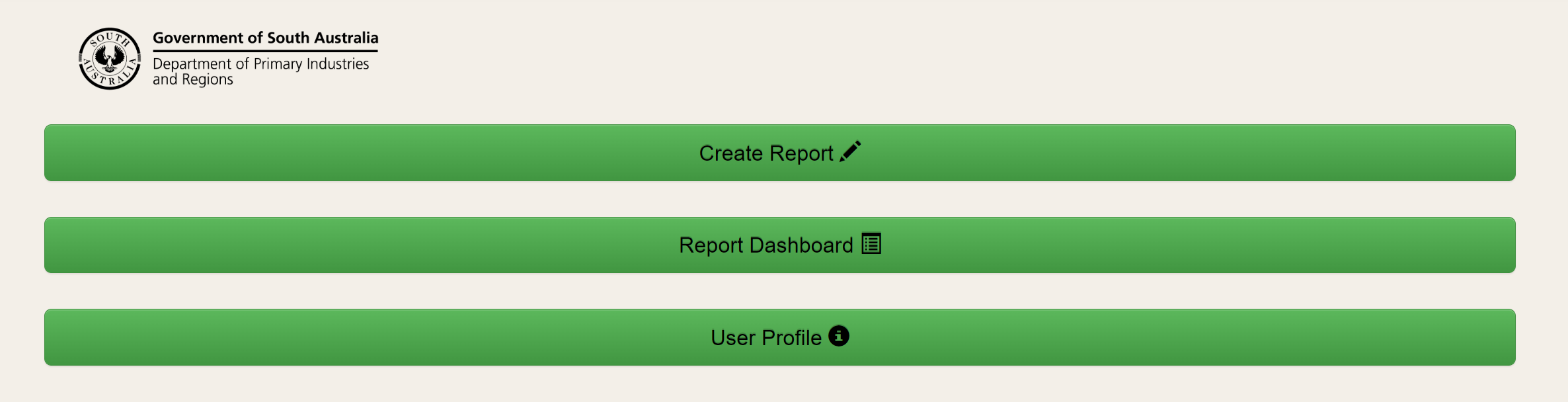
To enter a CDR, click the green button labelled 'Create Report'.
Alternatively, select 'Report' from the dashboard header.
Select the relevant fishery and complete the mandatory fields.
Once you have selected your licence number from the 'Licence' field, the Signatory, Phone and Zone Fishing will automatically populate with your details.
You can edit this information if necessary.
The weight for each species can be entered to one decimal place.
The weight for each species must be completed. Enter "0" if a species was not caught.
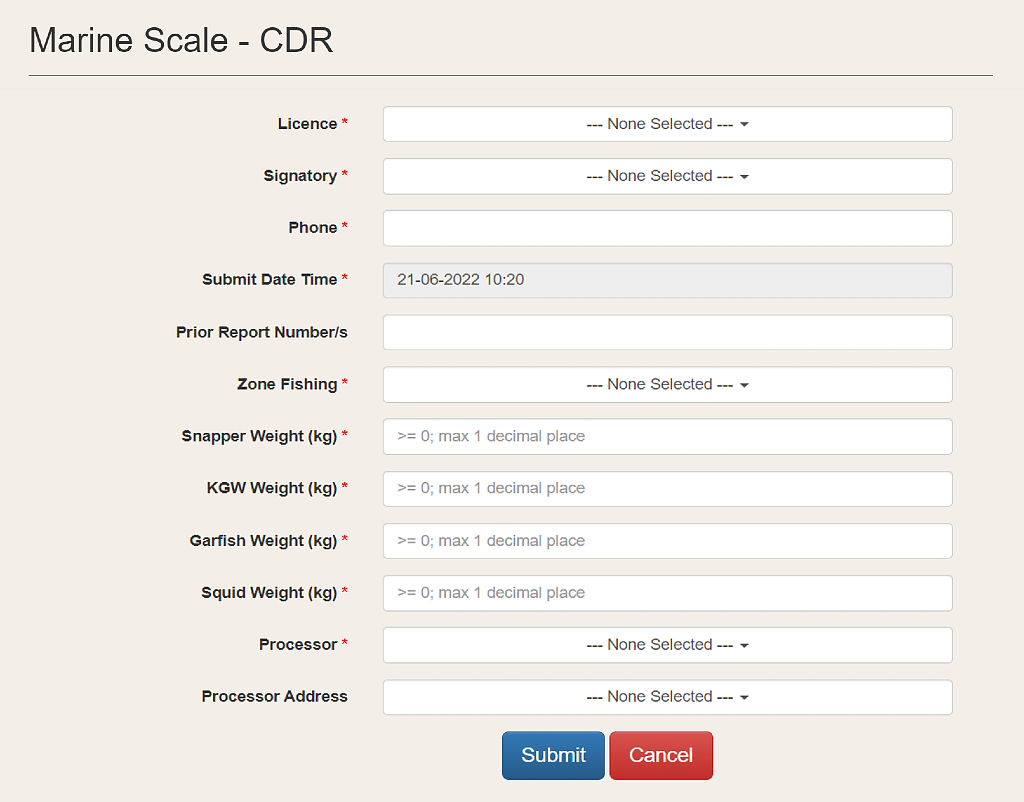
If necessary, click 'Cancel' to stop completing your report and return to the previous screen.
Check all information is correct before clicking 'Submit'.
If you have submitted your report and then identified an error, you can request an edit.
You have completed your reporting obligations once you have submitted your report.
Click 'Home' on the submission notification to return to the home screen or tap on 'Trip details' to view your submitted CDR.